
What visitors send, where you will see it
Add a contact form with one press. Every message it receives lands in an inbox beside the page it came from.
What it looks like
Every message in one place beside the editor, with the page it came from.
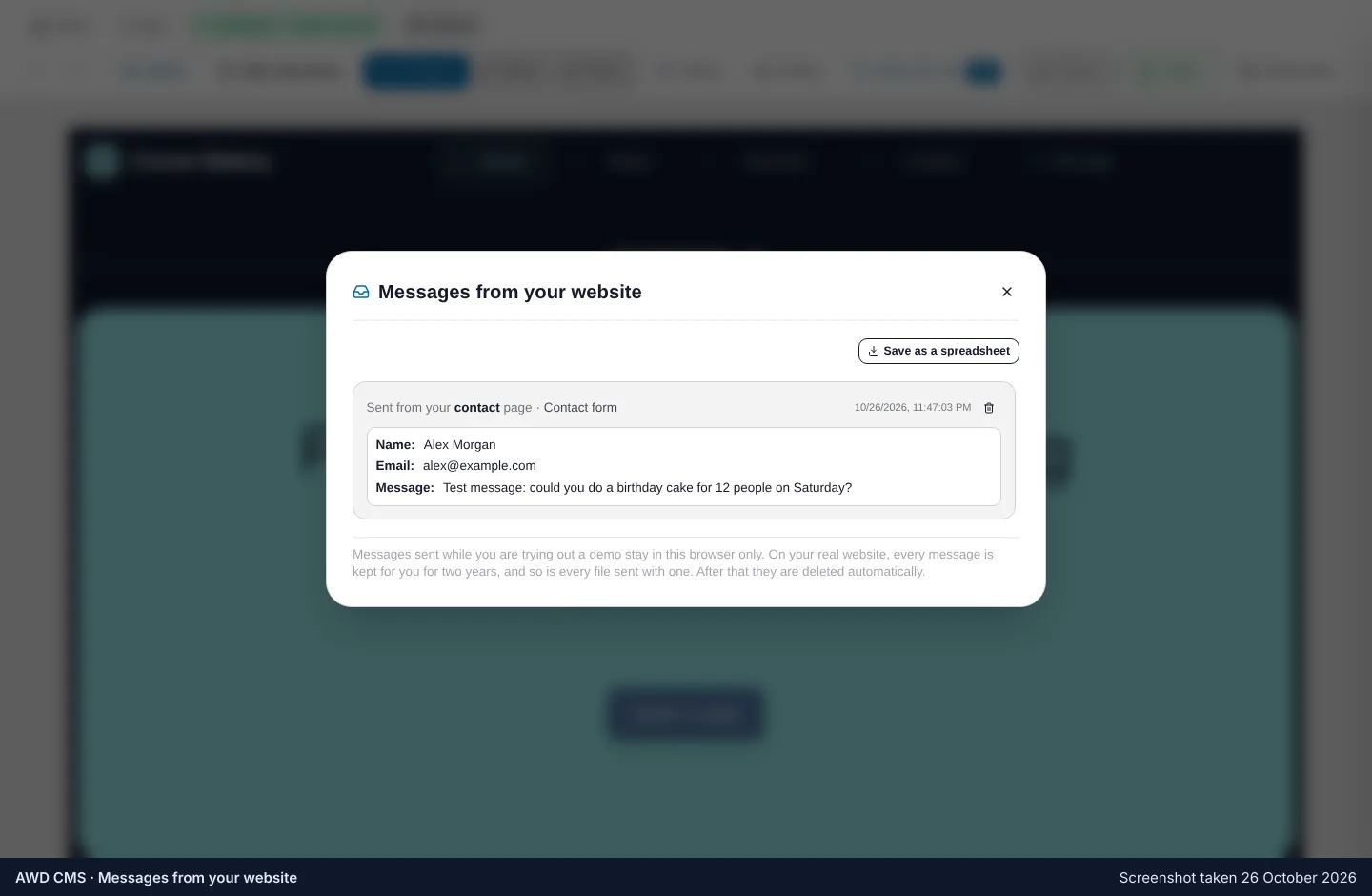
Forms and the inbox
Put the form on any page, and read what comes in without leaving your site.
Fields you choose
Name, email, phone, a message — add or remove fields in the form’s settings.
One inbox per site
Everything the form receives, newest first, with the page it came from.
Copied forms still work
A form on a page you copied from your old site sends to the same inbox.
Put a form on your page
It is one of the sections the guide offers, and one press in the block library.