Compare
AWD CMS vs Wix
Wix is a canvas for building a site from a template. AWD is a page you keep true by clicking on it. Which job are you hiring for?
What Wix is
Wix is one of the biggest website builders. You pick a template and arrange a page on a drag-and-drop canvas in the Wix editor. There is a market of add-ons for extras, and an AI site builder to get a first draft. It hosts the site for you, and most of the work happens in the editor, which is a separate view from the published site.
What AWD CMS is
A website whose editor is the live page. You click the words and type; you drag sections; you add pages from the menu. A guide builds the first version one section at a time, and an AI copilot drafts and rewrites on the page. Every page checks itself for search and for readers with a disability, and says what to fix. It is built for the person who has to keep the site true, on whatever device they are holding.
What you see first
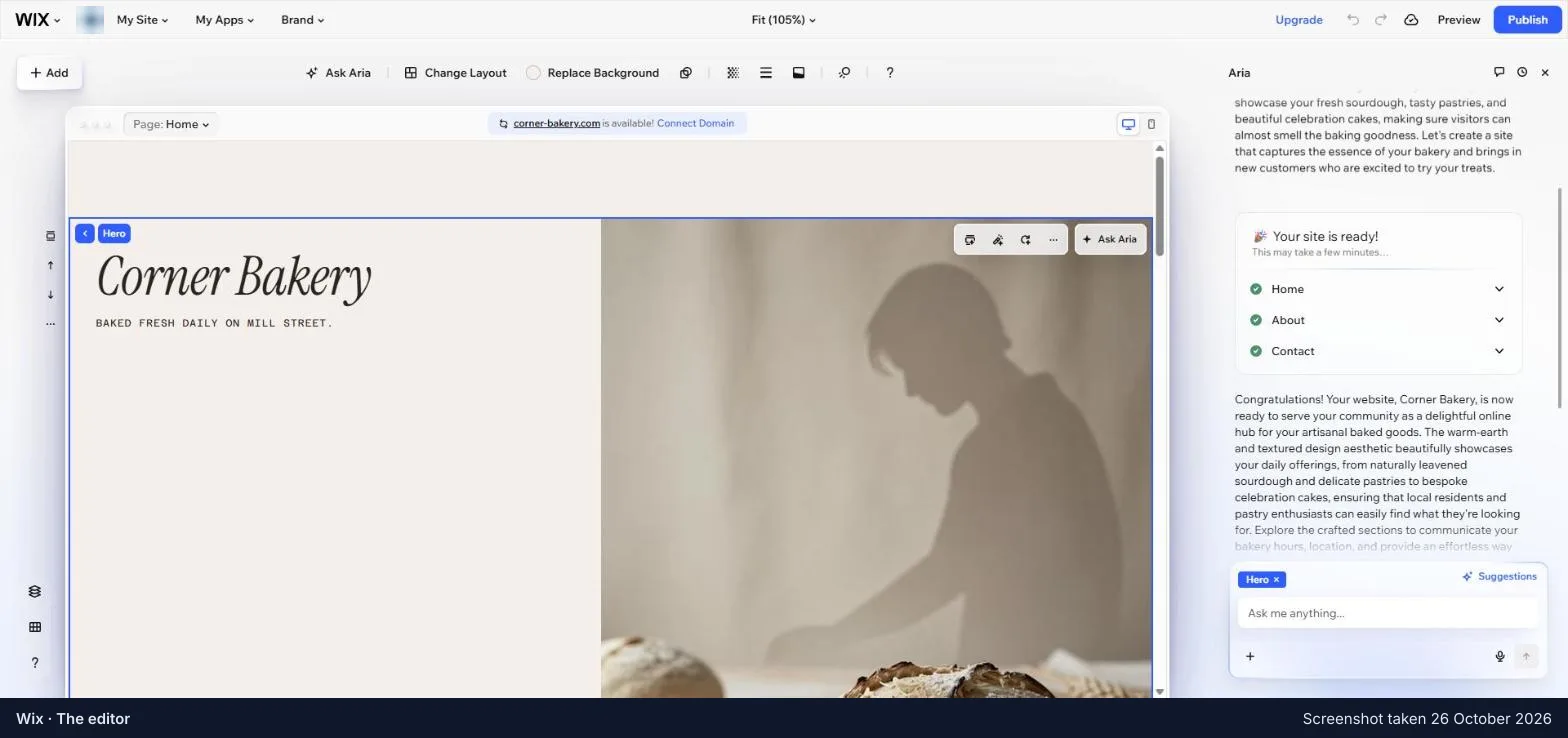
Wix opens on a dashboard: a list of set-up tasks, and thirteen sections in the menu beside it. The site itself is a button away. AWD CMS opens on your own page and asks one thing at a time.
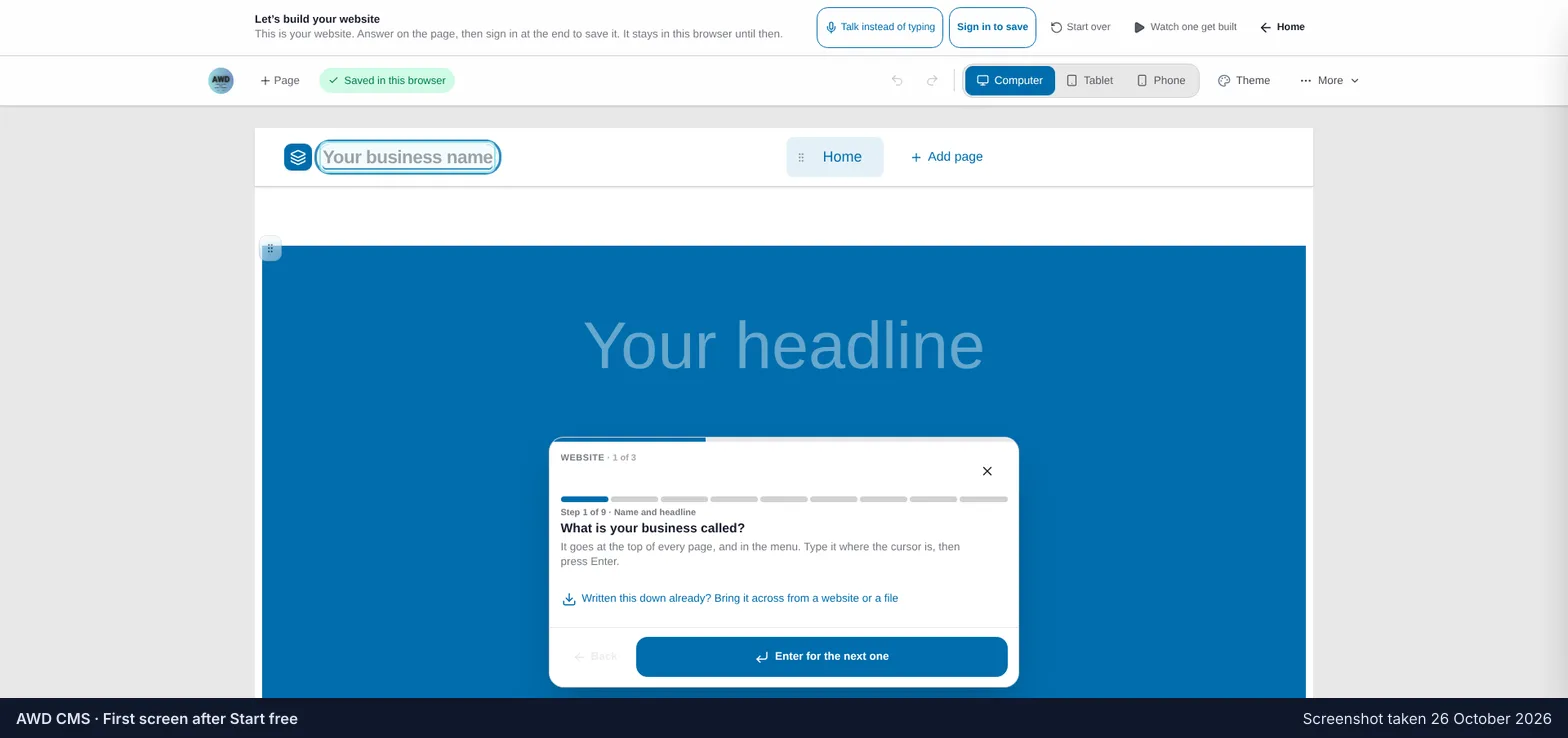
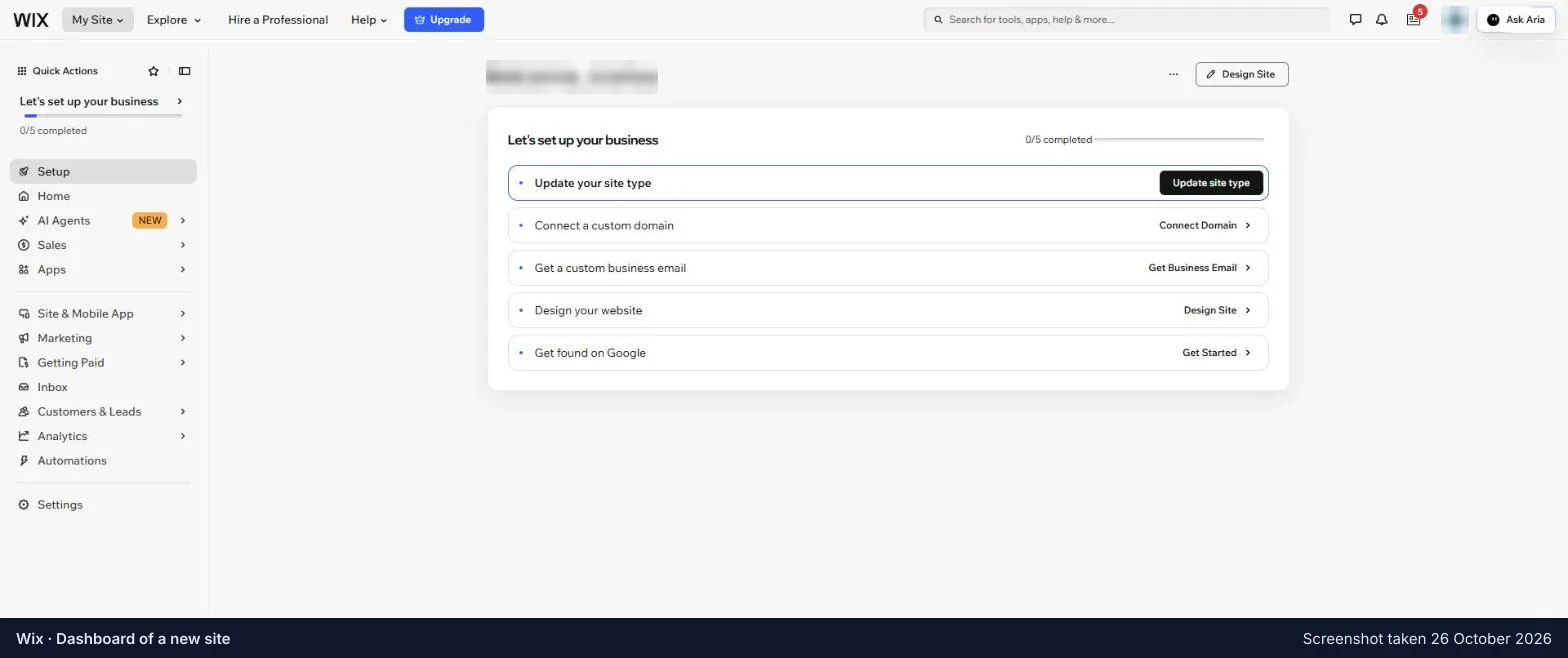
Where you edit
In Wix you select a part of the page, then reach for a toolbar, a panel or its AI. In AWD CMS you click the words and type.
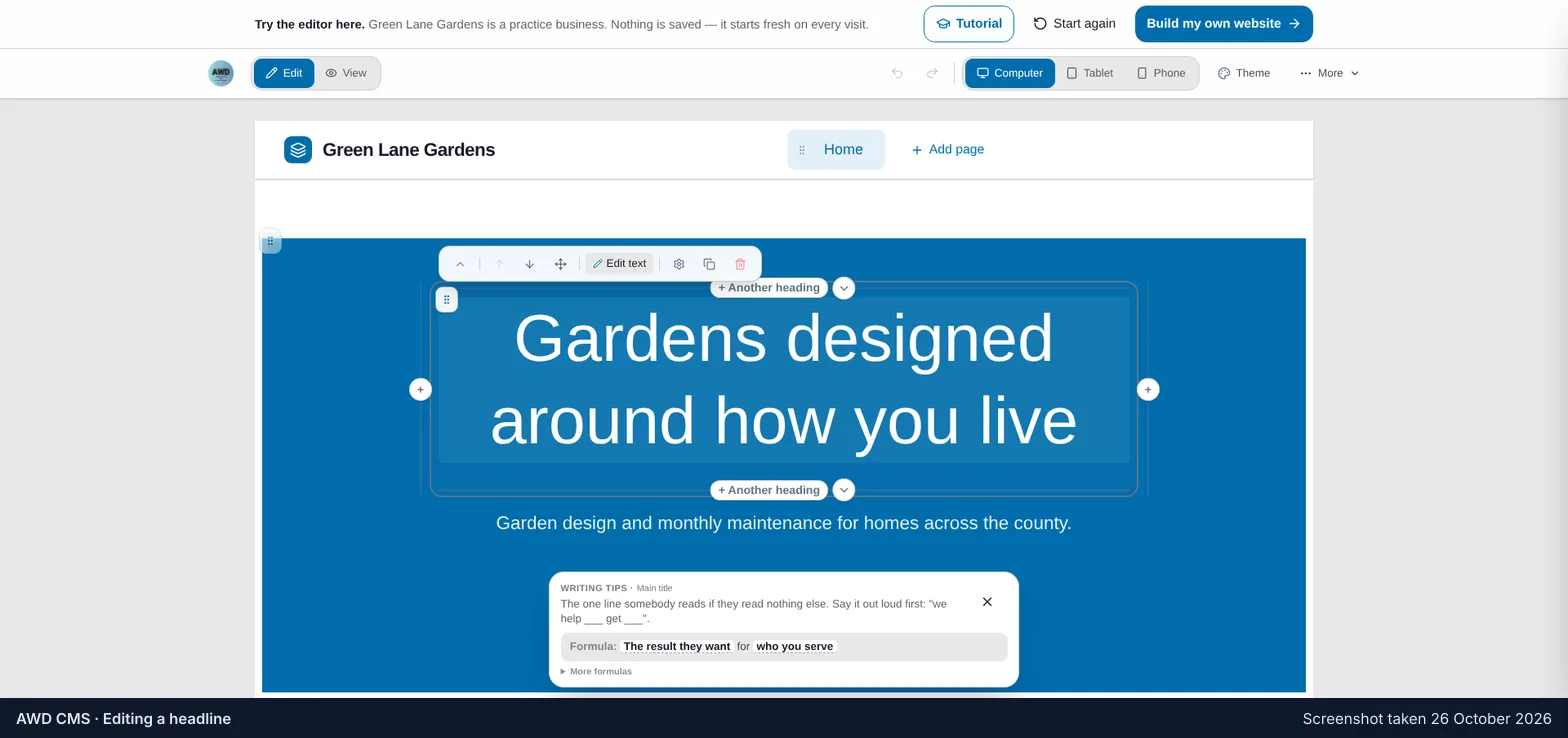
Side by side
When Wix is the better choice
When you want to design the site yourself, freely, from a very large choice of templates. Or when you need an online shop with many products, bookings, or a members area with its own app. Wix gives you more to build with, and a bigger market of extras than a small tool ever will.
When AWD CMS is
When the site’s job is to say what you do and stay true, and the person keeping it true is not a designer. Click-and-type editing on the live page, on a phone, is the difference between a site that gets fixed today and one that waits for a quiet afternoon.
Prices for the other tool are on its own site and change; ours are on our Pricing page. Nothing on this page is a quote from a customer of either.
Decide with the editor in your hands
The sandbox needs no account. The demo builds a site in front of you.